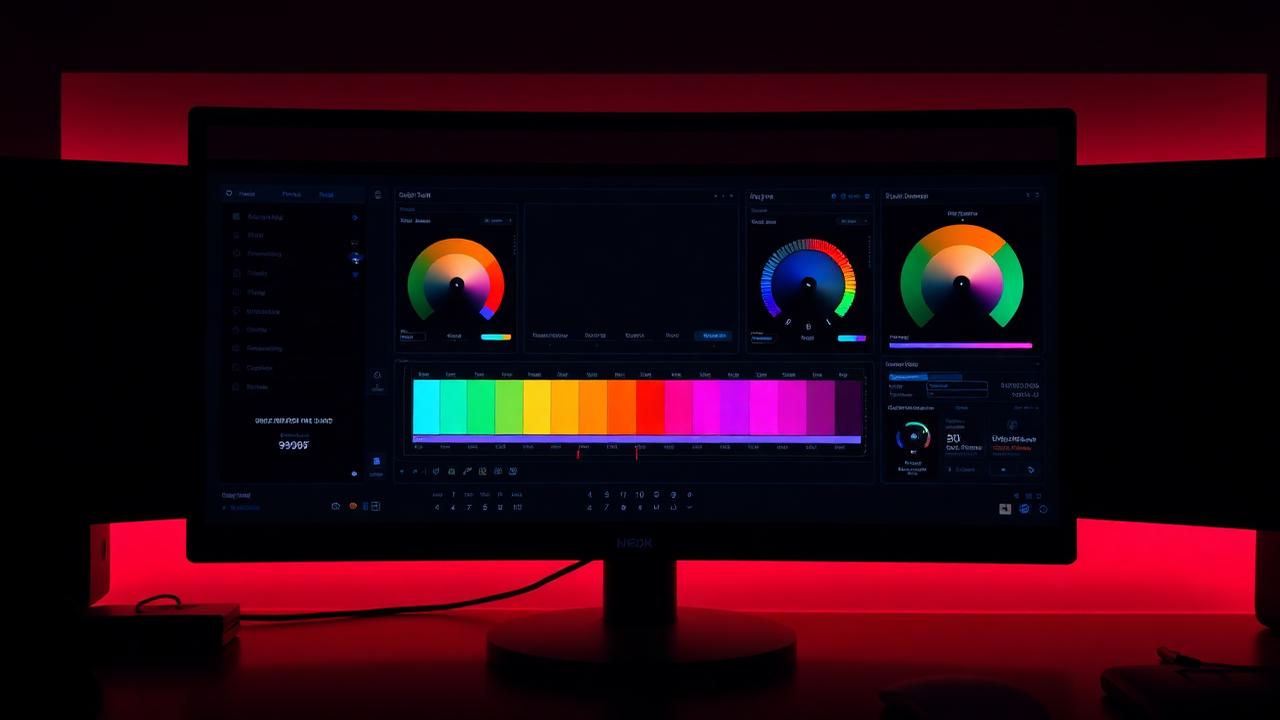
Practical color grading techniques to give your footage a cinematic look — from skin tones to LUT layering inside Lumetri.
By Diego, Guest Editor
Color grading is where amateur footage becomes professional footage. These five habits will sharpen your eye and your grades.
1. Always correct before you grade
Get exposure, white balance and contrast right first. A creative grade on broken footage just looks broken with style.
2. Protect skin tones
On the vectorscope, healthy skin sits along the I-line. Pull other hues away from skin, never push skin toward them.
3. Use two layers: base and look
A base layer normalizes the shot. A second layer carries your creative look. This lets you swap looks across a whole timeline in seconds.
4. Learn one LUT well
A LUT is a starting point, not a finish line. Pick one teal-and-orange LUT you like, learn what it does to skin and shadows, and build from there.
5. Trust the scopes, not your monitor
Your screen is biased, tired and probably not calibrated. The waveform and vectorscope are not.
Bonus: apply Lumetri presets at the speed of thought
Save your favorite grades as Lumetri presets and trigger them with FXSeeker by name. Spend the time you save staring at the picture instead of clicking through menus.